
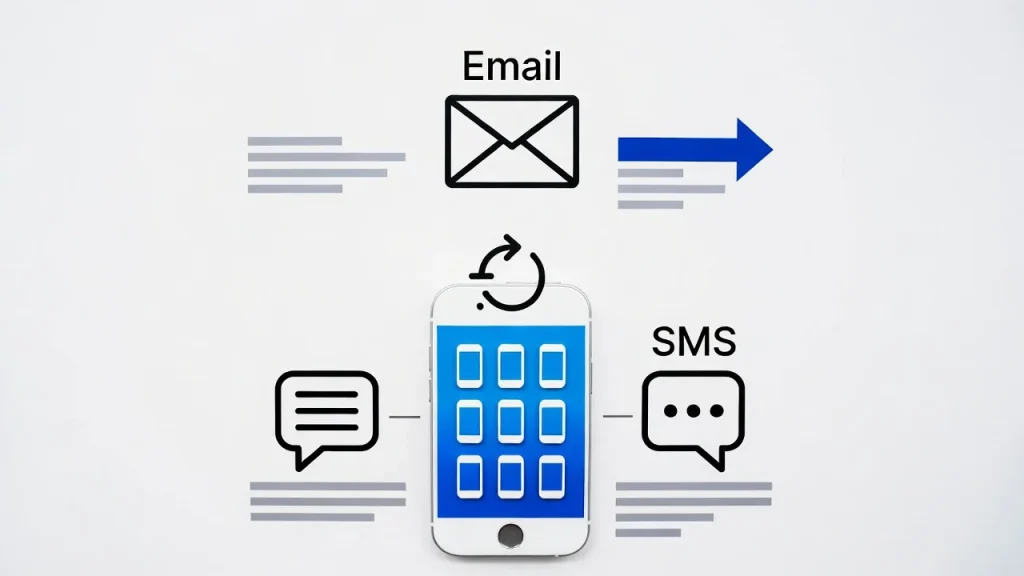
How to send an email to a cell phone — You can send an email directly to a cell phone by using the recipient’s phone number combined with their mobile carrier’s email-to-text gateway address. The message arrives as an SMS or MMS on the phone, even if the recipient does not check email regularly. This method remains useful for alerts, notifications, and quick communication in 2026.
Email and text messaging are two of the most widely used communication tools today. Yet many people do not realize that these technologies can work together. If you need to reach someone quickly and only have access to email, sending an email directly to their cell phone can be a convenient solution.
Whether you’re a business owner sending appointment reminders, a parent contacting a child without internet access, or a professional delivering urgent updates, knowing how to send an email to a cell phone can save time and improve communication. Modern smartphones make messaging easier than ever, but carrier gateways still play a valuable role in certain situations.
As mobile technology evolves with AI-powered smartphones, satellite connectivity, and advanced messaging platforms, understanding traditional email-to-text methods remains surprisingly useful. In this guide, you’ll learn exactly how email-to-phone messaging works, which carrier addresses to use, common troubleshooting steps, and expert tips to ensure your messages arrive successfully.
“The best smartphone is not necessarily the most expensive one — it is the one that fits perfectly into your life.”
— David Pogue, Tech Journalist & Former NYT Columnist
Why Sending an Email to a Cell Phone Still Matters
Despite the popularity of messaging apps like WhatsApp, iMessage, and Google Messages, email-to-text communication continues to serve important purposes.
Many businesses use automated systems to send alerts, appointment reminders, delivery notifications, and security verification messages. According to mobile communication research from Statista, smartphone ownership exceeds 90% in many developed markets, making SMS one of the most reliable communication channels available.
Imagine these common situations:
- Your employee isn’t checking email but will see a text instantly.
- A family member has limited internet access.
- You need to send an automated notification from a website or CRM system.
- A service outage affects mobile data but SMS remains operational.
Unlike app-based messaging, SMS does not require installing software, creating accounts, or maintaining internet connectivity. Most phones can receive text messages regardless of operating system.
This becomes especially important as smartphone ecosystems become more fragmented. Some users prefer Android, others use iPhones, and many switch between devices. SMS remains a universal standard that works across platforms.
For organizations, email-to-SMS solutions offer a cost-effective way to deliver critical notifications without investing in specialized messaging platforms. Understanding this capability can improve communication efficiency while ensuring important messages reach their intended audience.
“Mobile technology has fundamentally changed how we communicate, work, and live — choosing the right phone is one of the most important tech decisions you will make.
— Consumer Reports, Electronics & Technology Division
Best Ways to Send an Email to a Cell Phone
Here are the most effective methods for sending emails directly to mobile phones.
1. Use Carrier Email-to-SMS Gateways
Most carriers provide special email addresses linked to phone numbers.
Examples include:
- Verizon: number@vtext.com
- AT&T: number@txt.att.net
- T-Mobile: number@tmomail.net
Example:
- Phone Number: 5551234567
- Carrier: Verizon
- Email Address: 5551234567@vtext.com
Send an email to that address, and it arrives as a text message.
2. Keep Messages Short
SMS messages typically support:
- 160 characters for standard SMS
- Longer messages may be split
- MMS supports larger content
3. Verify the Mobile Carrier
Before sending:
- Confirm carrier information
- Check whether SMS gateway support is active
- Verify the phone number
4. Use Automated Notification Systems
Many businesses integrate:
- Customer support platforms
- Appointment scheduling software
- CRM systems
- Security alert systems
5. Consider Modern Messaging Alternatives
While email-to-SMS works, alternatives include:
- Best smartphones messaging apps
- Push notifications
- AI-powered messaging assistants
- RCS messaging
- Secure enterprise communication platforms
6. Optimize for Mobile Readability
When creating messages:
- Use concise wording
- Avoid large attachments
- Include clear call-to-actions
- Test on both Android and iPhone devices
7. Stay Updated on Mobile Trends
Modern communication now includes:
- 5G phones
- Satellite messaging
- AI-generated smart replies
- Foldable devices
- Cross-platform messaging features
These technologies improve communication but SMS remains one of the most universally supported options.
Step-by-Step Guide
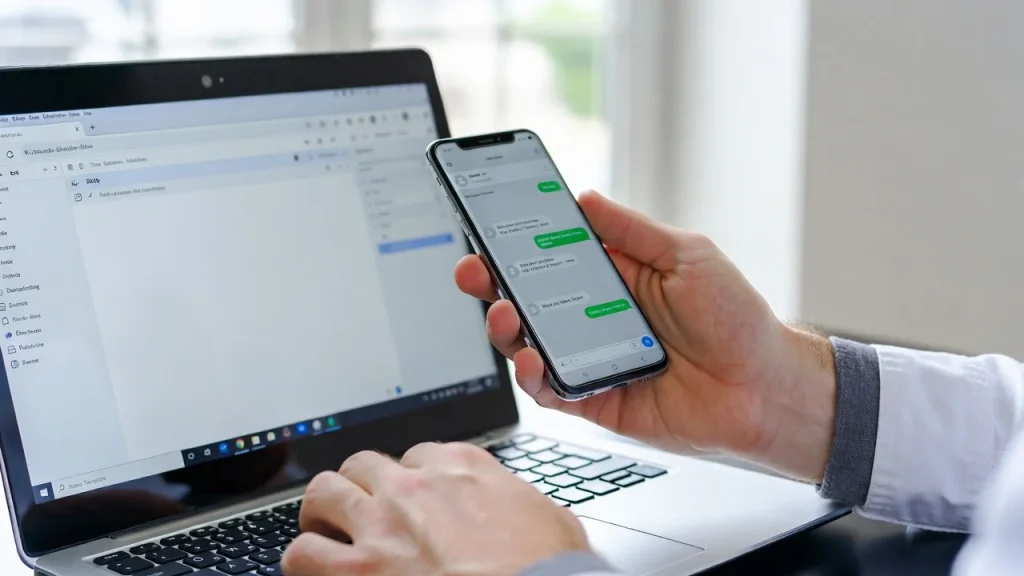
- Open your preferred email client.
- Create a new email message.
- Enter the recipient’s mobile gateway address.
- Replace the phone number with the recipient’s number.
- Confirm the correct carrier domain.
- Write a short message in the email body.
- Avoid large signatures and attachments.
- Click Send and wait for SMS delivery.
For example:
- Recipient Number: 5551234567
- Carrier: Verizon
- Address: 5551234567@vtext.com
The recipient should receive the message as a text on their cell phone within minutes.
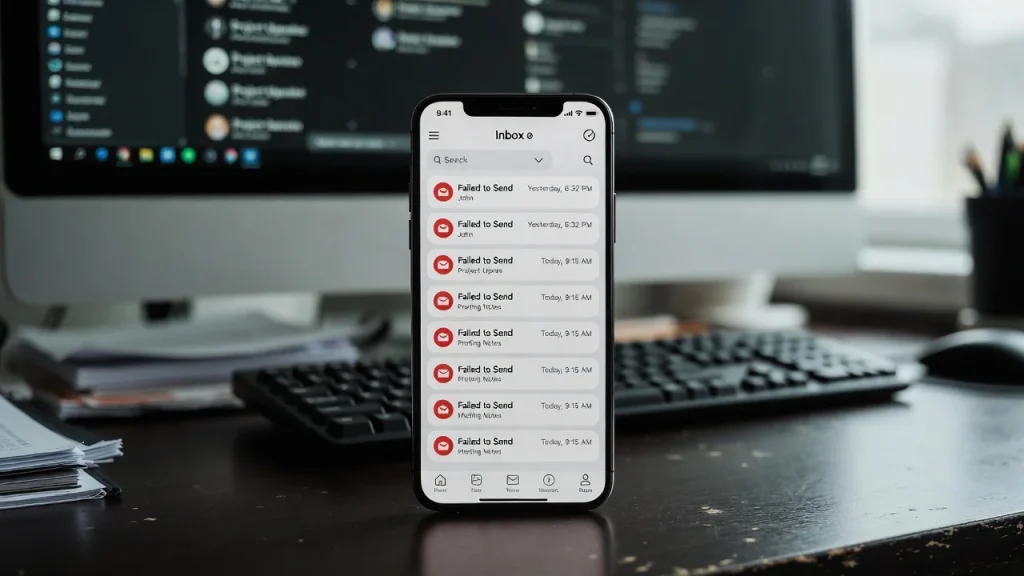
If delivery fails:
- Verify the carrier.
- Check the phone number.
- Confirm gateway support is available.
- Remove attachments and resend.
Following these steps helps ensure successful delivery across most smartphones and mobile networks.
Expert Tips & Common Mistakes
Pro Tips
- Verify the carrier first before sending.
- Use plain text formatting whenever possible.
- Keep messages under 160 characters for maximum compatibility.
- Test with multiple devices if using automated systems.
- Monitor delivery performance for business communications.
Common Mistakes to Avoid
- Using the wrong carrier gateway address.
- Sending large attachments that SMS cannot process.
- Including lengthy email signatures that clutter the message.
- Ignoring spam or carrier filtering restrictions.
For example, many users assume every carrier supports email-to-SMS identically. In reality, support varies and some carriers have reduced gateway functionality in recent years.
Similarly, businesses often overlook message length limitations. A carefully crafted short message usually performs better than a lengthy email converted into multiple SMS segments.
Keeping communication simple often leads to the best delivery results.
Consumers often overspend on flagship phones when a mid-range device would serve their needs just as well — or better.
— Marques Brownlee (MKBHD), Tech Reviewer & YouTube Creator
FAQs on How to Send an Email to a Cell Phone
How do I send an email to a cell phone?
Use the recipient’s phone number combined with their carrier’s email-to-SMS gateway address. Send your email to that address, and it will arrive as a text message on the phone.
Can I send an email to any mobile phone?
Most phones can receive email-to-text messages if the carrier supports SMS gateway services. Availability varies by carrier and region.
Do recipients need internet access?
No. Standard SMS messages can be received without internet access as long as the phone has cellular service.
Can I send photos through email-to-text?
Yes, if the carrier supports MMS gateways. However, attachment limits and compatibility vary by provider.
Why didn’t my email reach the phone?
Common reasons include incorrect carrier information, unsupported gateways, blocked messages, or formatting issues.
Is email-to-SMS free?
Sending an email is typically free, but recipients may incur text messaging charges depending on their mobile plan.
Is email-to-text still useful in 2026?
Yes. While messaging apps dominate personal communication, email-to-text remains valuable for alerts, notifications, automated systems, and emergency communications.
Conclusion
Knowing how to send an email to a cell phone remains a valuable communication skill in 2026. While modern messaging platforms, AI-powered assistants, and 5G-enabled devices continue to transform communication, email-to-SMS gateways still provide a simple and reliable way to reach mobile users.
The process is straightforward: identify the recipient’s carrier, use the correct gateway address, write a concise message, and send it like any standard email. This method is especially useful for businesses, automated notifications, emergency communications, and situations where traditional texting is not available.
As mobile technology continues evolving with foldable phones, satellite connectivity, and smarter messaging systems, understanding both modern and traditional communication methods gives you greater flexibility and reliability.

Daniel Mitchell is a home appliances specialist with over a decade of hands-on experience testing, reviewing, and comparing everyday household products. He focuses on helping homeowners make smarter buying decisions through practical insights, real-world testing, and easy-to-understand advice. Daniel covers everything from kitchen appliances to smart home solutions, with a strong emphasis on performance, energy efficiency, and long-term reliability.


