
How to unblock a cell phone — Unblocking a cell phone can mean removing a blocked contact, unlocking a carrier-locked device, or restoring access after a software lockout. The correct solution depends on why the phone is blocked, but most issues can be resolved through your phone settings, carrier assistance, or account recovery tools.
Few things are more frustrating than discovering your cell phone is blocked. Maybe you’re not receiving calls from a specific contact, your device won’t work with a new carrier, or you’ve been locked out after entering the wrong passcode too many times. Regardless of the cause, a blocked phone can disrupt communication, work, and everyday tasks.
The good news is that most phone blocking issues are easier to fix than many people think. Modern smartphones include built-in tools that help users manage blocked numbers, recover account access, and switch carriers more smoothly than ever before. Whether you’re using an iPhone, Android device, one of the latest 5G phones, or a budget-friendly handset, there are reliable ways to regain access.
As mobile technology evolves with AI-powered smartphones, satellite connectivity, and enhanced security systems, understanding how blocking works has become increasingly important. In this guide, you’ll learn the most common reasons a cell phone becomes blocked, how to identify the issue, and the best solutions to get your device working properly again.
“The best smartphone is not necessarily the most expensive one — it is the one that fits perfectly into your life.”
— David Pogue, Tech Journalist & Former NYT Columnist
Why Cell Phones Get Blocked and Why It Matters
The term “blocked phone” can mean several different things depending on the situation. Understanding the root cause is the first step toward finding the right solution.
Common reasons a phone may be blocked include:
- A phone number was manually blocked.
- The device is carrier locked.
- Too many incorrect passcode attempts.
- A Google or Apple account lock.
- The phone was reported lost or stolen.
- Network restrictions from the carrier.
- Security-related account suspensions.
According to mobile industry reports from Statista, smartphone ownership continues to rise globally, making device security a growing concern. Manufacturers and carriers increasingly use advanced protections to prevent unauthorized access.
For example, if you recently switched providers, your device may remain locked to the original carrier. Likewise, if a contact accidentally lands on your blocked list, you’ll stop receiving calls and messages from that person without realizing it.
Modern flagship smartphones also include sophisticated anti-theft protections such as Activation Lock and Factory Reset Protection. These features are valuable security tools but can create confusion if users forget account credentials.
Understanding the specific type of block affecting your device can save time and prevent unnecessary repairs or replacement costs.
“Mobile technology has fundamentally changed how we communicate, work, and live — choosing the right phone is one of the most important tech decisions you will make.
— Consumer Reports, Electronics & Technology Division
Best Ways to Unblock a Cell Phone
The right method depends on what’s causing the block. Here are the most effective solutions.
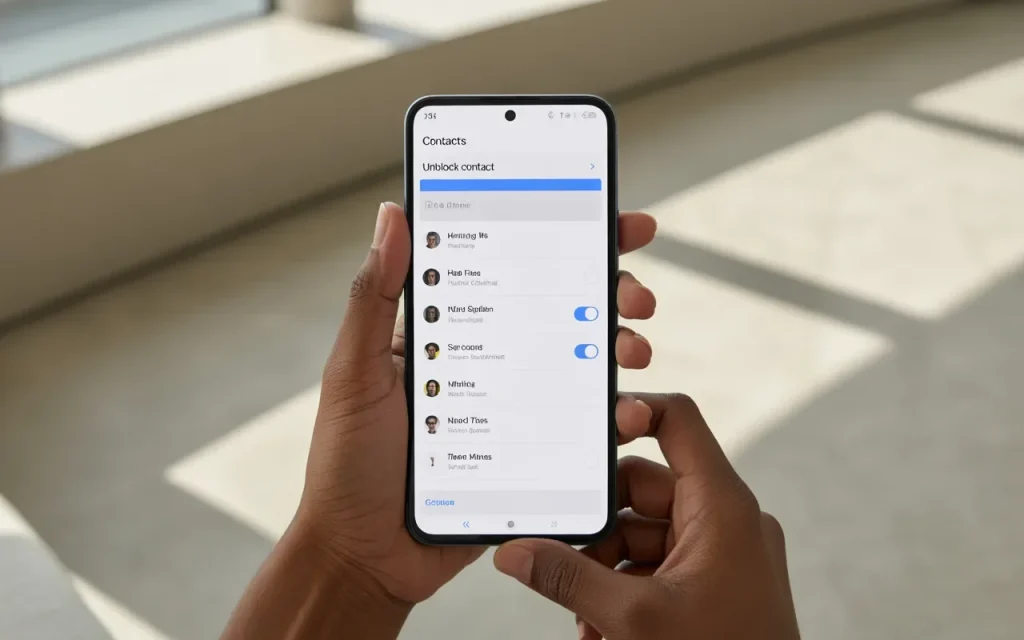
1. Unblock a Phone Number
If you’ve blocked someone by mistake:
For iPhone:
- Open Settings
- Tap Phone
- Select Blocked Contacts
- Remove the number
For Android:
- Open Phone App
- Go to Settings
- Select Blocked Numbers
- Unblock the contact
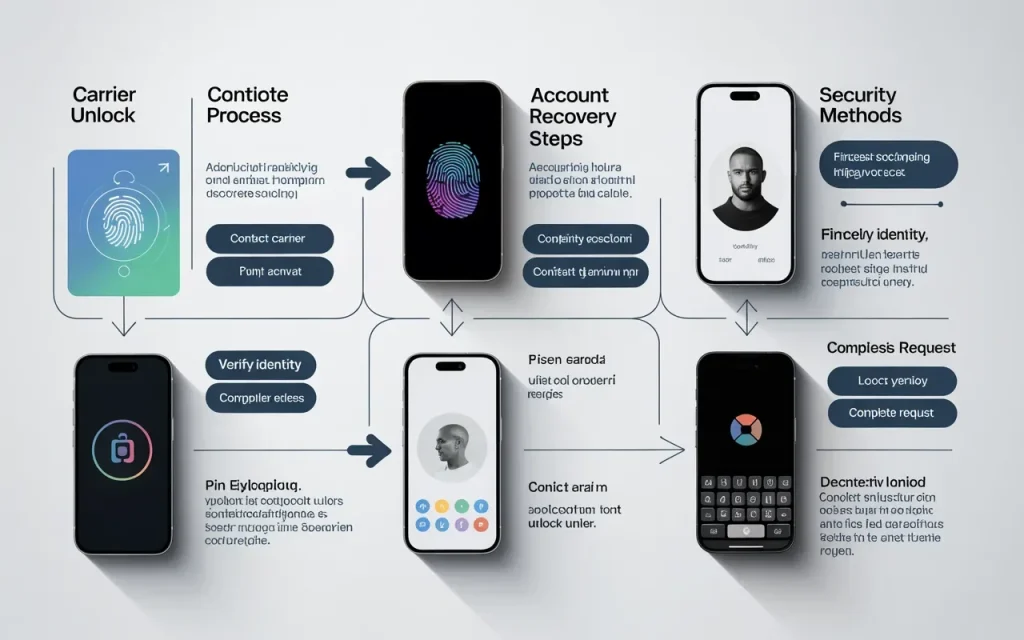
2. Unlock a Carrier-Locked Phone
Many carriers lock devices to their networks.
To unlock:
- Verify eligibility
- Pay off any remaining device balance
- Request an unlock from your carrier
- Follow carrier instructions
This is especially important if you’re switching providers.
3. Recover a Locked Apple ID
If Activation Lock is preventing access:
- Visit Apple’s account recovery tools
- Verify ownership
- Reset your credentials
4. Recover a Locked Google Account
Android users can:
- Use Google’s account recovery process
- Verify identity
- Reset passwords if needed
5. Remove Call Restrictions
Some phones include call barring features.
Check:
- Call settings
- Network settings
- Carrier restrictions
6. Update Software
Many device issues can be fixed through updates.
Benefits include:
- Security improvements
- Bug fixes
- Better compatibility
- Enhanced performance
These updates are recommended for both budget phones and best smartphones alike.
7. Contact Your Mobile Carrier
If none of the above solutions work:
- Verify account status
- Check for network restrictions
- Confirm device eligibility
- Request technical support
Step-by-Step Guide
- Identify what type of block exists.
- Check whether a contact was manually blocked.
- Verify carrier lock status.
- Review account login credentials.
- Update your phone software.
- Test calls and messages.
- Contact your carrier if restrictions remain.
- Restore access using official recovery tools if necessary.
If you’re switching carriers:
- Confirm your device is unlocked.
- Request an unlock code if required.
- Insert the new SIM card.
- Follow activation instructions.
If you’re dealing with account security:
- Use only official Apple or Google recovery methods.
- Avoid third-party unlocking services.
- Verify ownership documentation if requested.
Following these steps helps resolve most blocking issues safely and efficiently.
Expert Tips & Common Mistakes
Pro Tips
- Keep account recovery information updated.
- Use strong passwords and two-factor authentication.
- Regularly review blocked contacts lists.
- Check carrier unlock requirements before switching providers.
- Install software updates promptly.
Common Mistakes to Avoid
- Paying unverified third-party unlocking services.
- Forgetting Apple ID or Google account credentials.
- Assuming every blocked issue is carrier-related.
- Factory resetting a device before backing up data.
Many users immediately reset their phones when they encounter a lockout. Unfortunately, this can complicate recovery if account credentials are unavailable.
Similarly, some websites promise instant unlocking services but may expose users to scams or privacy risks.
Official recovery methods remain the safest and most reliable option.

Consumers often overspend on flagship phones when a mid-range device would serve their needs just as well — or better.
— Marques Brownlee (MKBHD), Tech Reviewer & YouTube Creator
FAQs on How to Unblock a Cell Phone
How do I unblock a phone number on my cell phone?
Open your phone settings, locate the blocked contacts list, and remove the number you want to unblock. The exact steps vary slightly between iPhone and Android devices.
How do I know if my phone is carrier locked?
Insert a SIM card from another carrier. If the phone displays a restriction message or fails to connect, it may still be locked.
Can I unlock my phone for free?
Many carriers provide free unlocking once eligibility requirements are met, such as completing device payments and maintaining good account standing.
What is Activation Lock on iPhone?
Activation Lock is a security feature that prevents unauthorized users from accessing a device if it is lost or stolen.
Can a blocked contact still leave voicemail messages?
Depending on the device and carrier, blocked callers may still be able to leave voicemail messages.
Will a factory reset unblock my phone?
Not always. Security features such as Activation Lock and Factory Reset Protection often remain active after a reset.
Is it safe to use third-party phone unlocking services?
Many are legitimate, but some can be risky. Whenever possible, use your carrier or the device manufacturer’s official unlocking process.
Conclusion
Understanding how to unblock a cell phone can help you quickly restore access to calls, messages, mobile networks, and important accounts. Whether you’re unblocking a contact, removing a carrier restriction, recovering account access, or resolving a security lockout, most issues can be fixed using built-in tools and official recovery methods.
The key is identifying the type of block affecting your device before taking action. By reviewing phone settings, verifying account credentials, checking carrier requirements, and keeping software updated, you can avoid many common problems altogether.
As smartphone technology continues advancing with AI-powered devices, satellite connectivity, improved security systems, and smarter account protections, users will have even more tools available to manage device access safely.
Explore more cell phone reviews, cell phone buying guide resources, battery life tips, phone camera comparison articles, and mobile technology tutorials at TheBestPeek to get the most from your smartphone in 2026.
Sources
- Apple Support Documentation
- Google Account Recovery Resources
- Statista Mobile Technology Reports
- GSMA Mobile Security Research
- Consumer Reports Smartphone Security Testing

Daniel Mitchell is a home appliances specialist with over a decade of hands-on experience testing, reviewing, and comparing everyday household products. He focuses on helping homeowners make smarter buying decisions through practical insights, real-world testing, and easy-to-understand advice. Daniel covers everything from kitchen appliances to smart home solutions, with a strong emphasis on performance, energy efficiency, and long-term reliability.


